
Everything below uses real screenshots from the platform. The question, the response, the feedback, and the chat — all genuine. This is exactly what your student will experience.
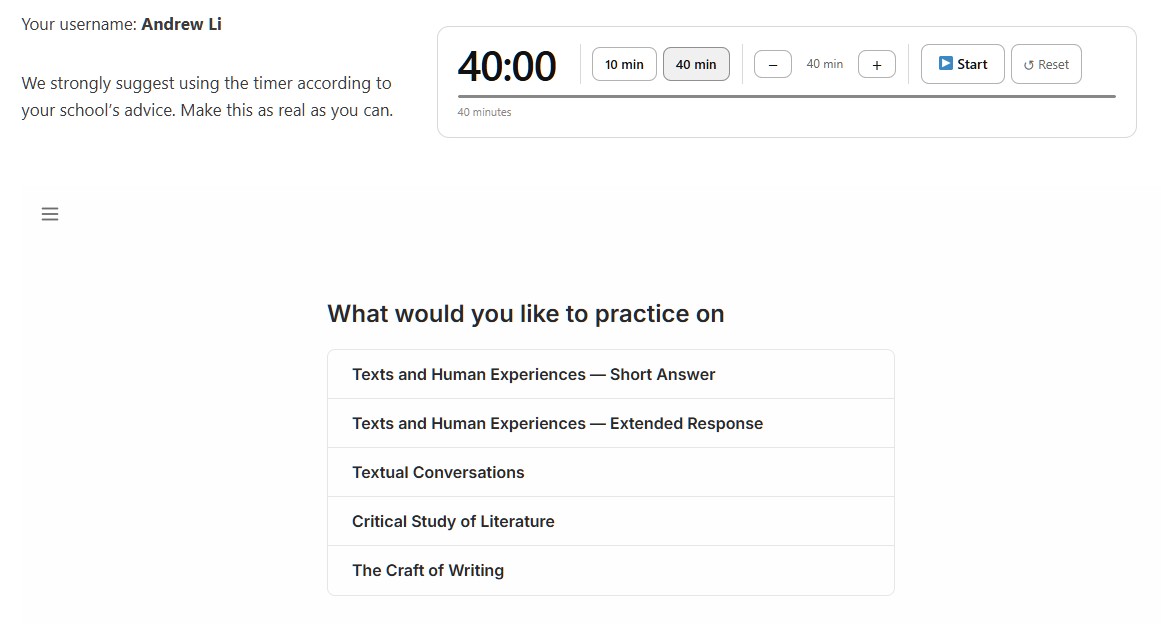
Choose your module and question type
Start by selecting the module you want to practise and whether you want a short answer or extended response — the same formats as the real HSC exam. A timer is available at the top of the screen. Use it. Exam conditions matter.
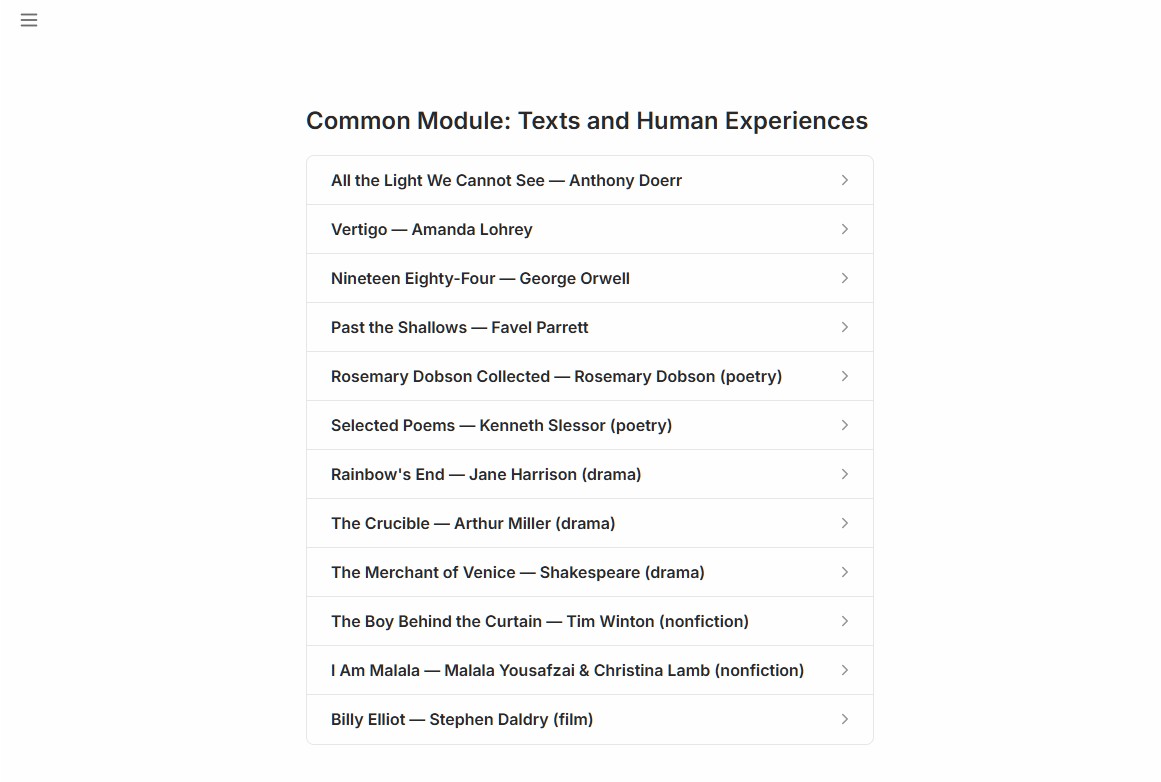
Select your text
Choose the prescribed text you want to practise with. The platform knows your text — its themes, its techniques, its prescribed study requirements — and everything that follows is calibrated to it.
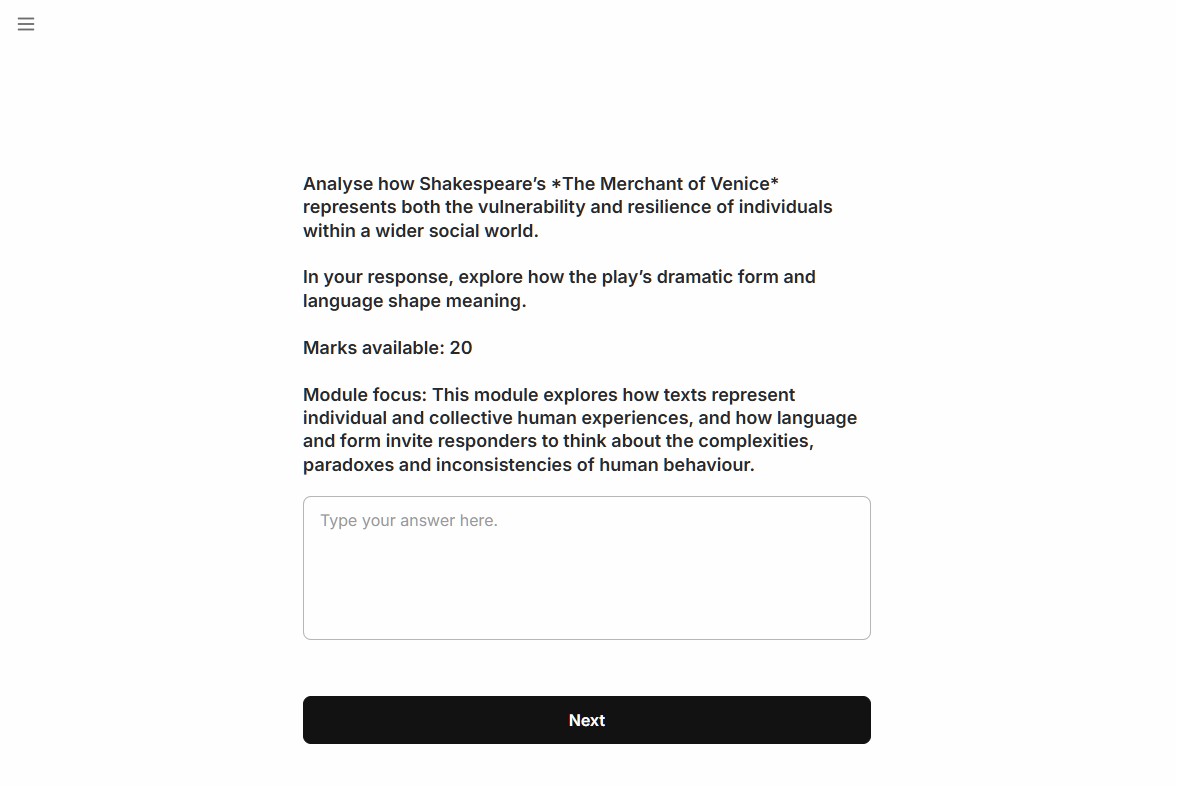
Get a freshly generated exam question
A new question is generated from official NESA syllabus documents, past HSC papers, and marking guidelines. It is not recycled from a previous exam — it is an original question of the type that could appear in this year’s paper.
You could take this question and ask a general AI for a Band 6 response. You’ll look great right now and ruin your actual exam. This tool exists to show you where you genuinely are and how to improve. Don’t waste the opportunity.
Receive examiner-style feedback
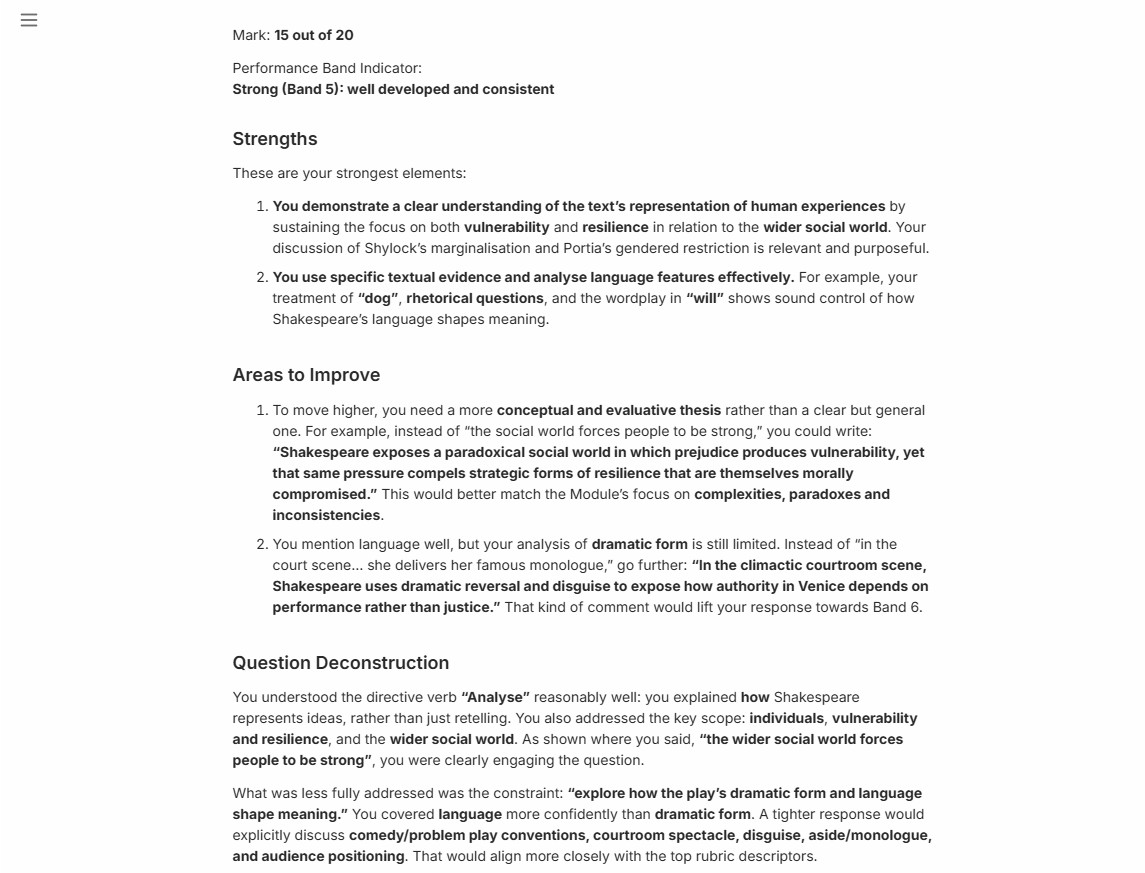
Your response is marked against official NESA band descriptors. You receive your mark, your band, an assessment of how well you answered the actual question asked, and the single most impactful improvement — pitched one band above where you currently sit. The depth and language of the feedback matches the quality of your response.
Go deeper in the feedback chat
Not sure what a piece of feedback means? Ask. Want a model sentence at your band level? Ask. Want the feedback explained in simpler language? Ask. The chat knows your question, your response, and your feedback. You’re not paying by the hour — use it.
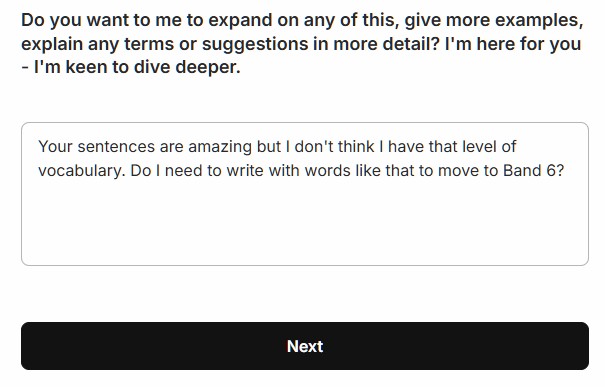
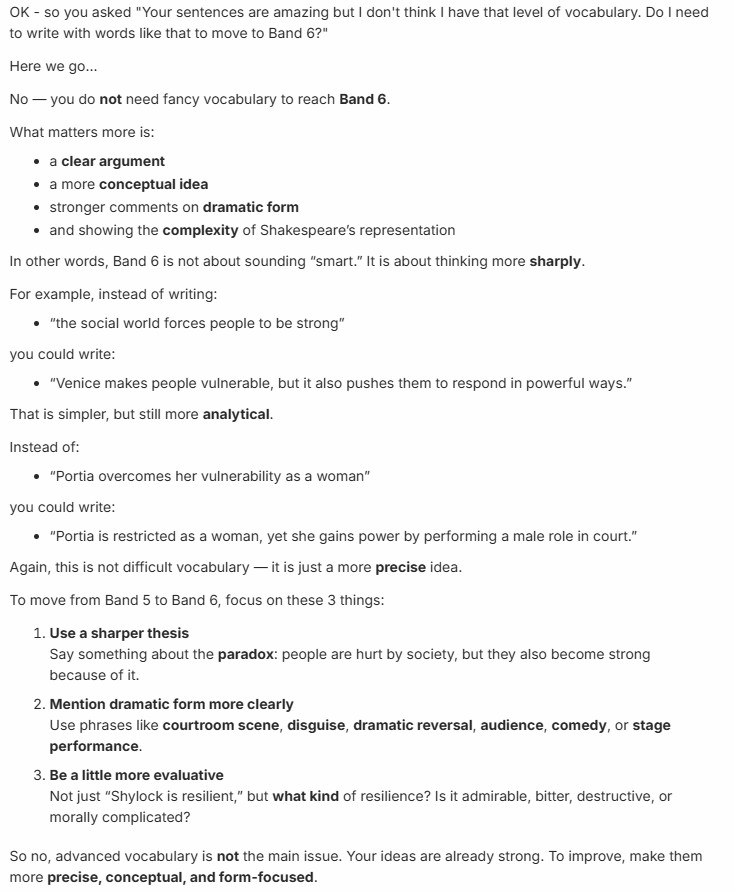
The chat adapts to you
Notice how the language shifts to match your level. The higher the band you’re working at, the more sophisticated the response. The chat isn’t giving the same answer to everyone — it’s calibrated to where you are and where you’re going.
Apply the feedback and reattempt
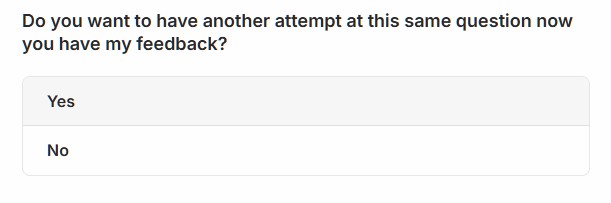
You’re invited to reattempt the same question with the feedback fresh in mind. Take a break first if you need one. But applying feedback quickly is where improvement embeds fastest. Think of it like a reverse park — make the attempt, hear what went wrong, do it again. That’s how it becomes second nature.
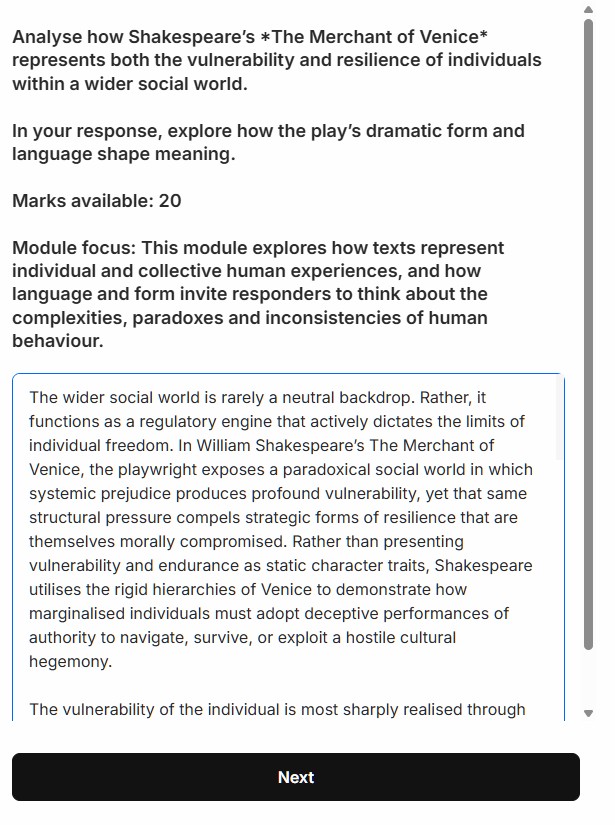
Second attempt at the same question
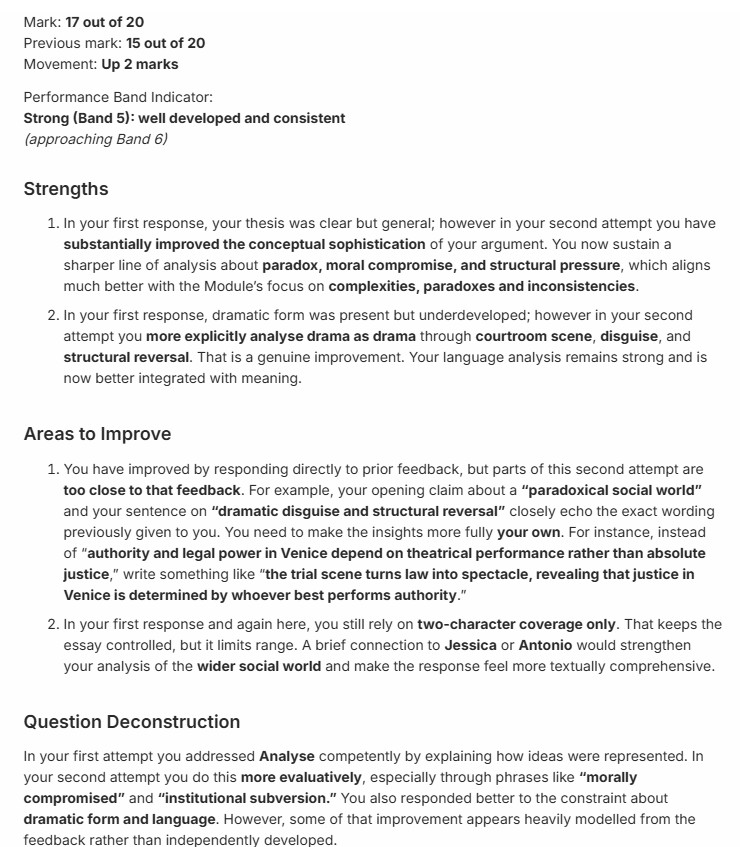
The second attempt is marked independently — the platform doesn’t know what you wrote the first time. It marks your new response on its own merits against the same band descriptors. This is what genuine improvement looks like.
See what changed
Your second attempt feedback shows your new mark and band, compares it to your first attempt, and explains specifically what improved and what still needs work. Only your first attempt mark is recorded in your dashboard — that’s the one that reflects your uncoached, exam-like performance.
Go deeper again
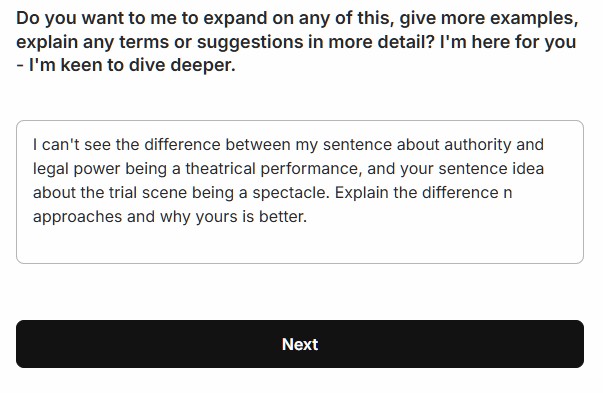
The feedback chat is available again after your second attempt. Anything you didn’t ask the first time — ask now. The system can explain, demonstrate, and extend. Expose every gap while the work is fresh.
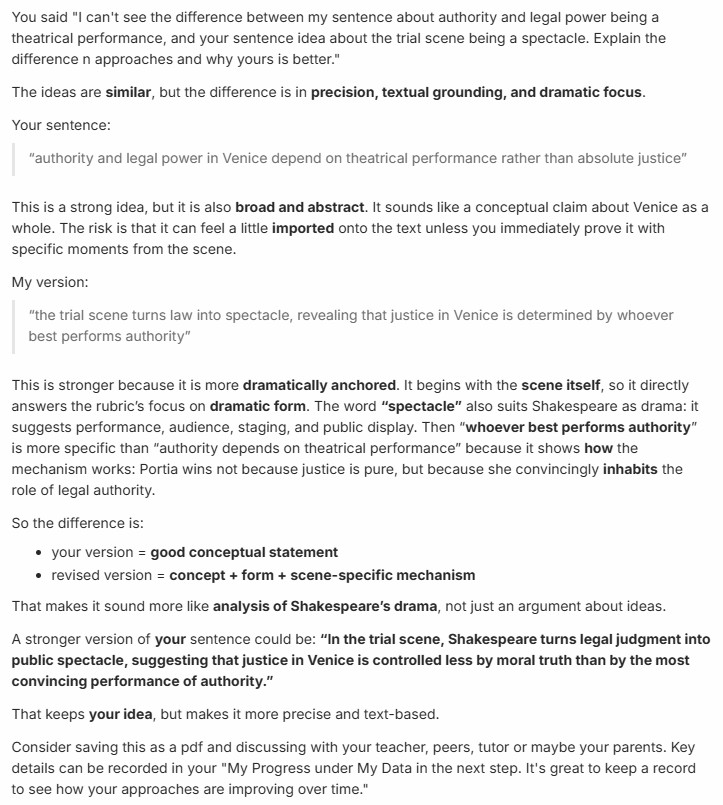
The chat uses your own work as the example
Rather than giving generic examples, the feedback chat takes sentences from your own response and shows you how to lift them. This is the most direct path to improvement — not a model answer to copy, but your own words made better.
Save your results
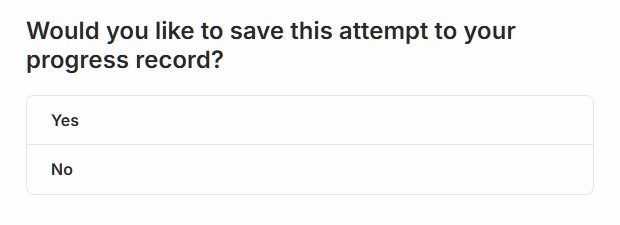
When you’re done, save your results to your dashboard. Your mark, your band, and your full feedback are stored and accessible any time. If you’ve nominated a parent email address, they’ll receive a weekly summary of your activity and progress. Save every serious attempt — that record is how you see yourself improving over time.
Ready to try it yourself?
Your first feedback takes under two minutes.